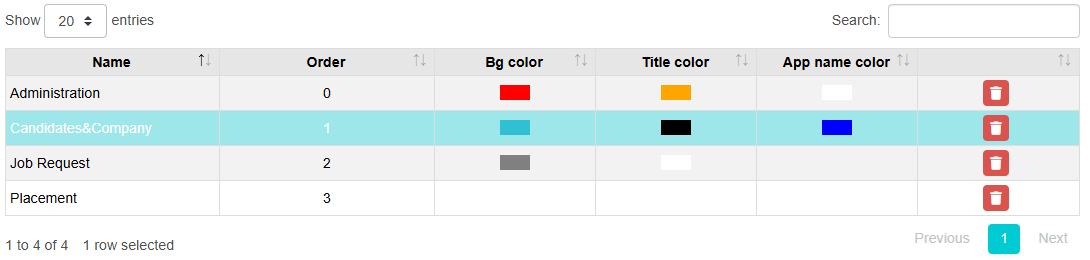
Frontend Services - Manage App Groups
This feature provides the possibility of Manage Groups and setting an order for them. After that, each application can be configured into a group and displayed in My Apps according the given order. To learn how to assign applications to group see on Frontend Services section Configuration - My Apps.
The Group Properties are:
-
Name: Name of the group that should be mandatory and unique
-
Order: The order number in which the applications will be displayed on My Apps dialog.
-
Bg-color: The background color of the group of applications that are displayed on My Apps dialog.
-
Title-color: The color of the title of the application in My Apps page.
-
App-name-color: The background color of the title of the application in My Apps page.
-
Tenant Specific: Select it if the Group of Applications should be visible only for the domain from they were deployed
-
Access External User: Allows external user to access this Group of Applications