xAPPnow LOW CODE PLATFORM - User Manual 

Still no account yet?

×

General Modeling - Graphic Export


In this training chapter you will learn how to make a graphic export of a business process model in xAPPnow Modeling Studio.
 
 
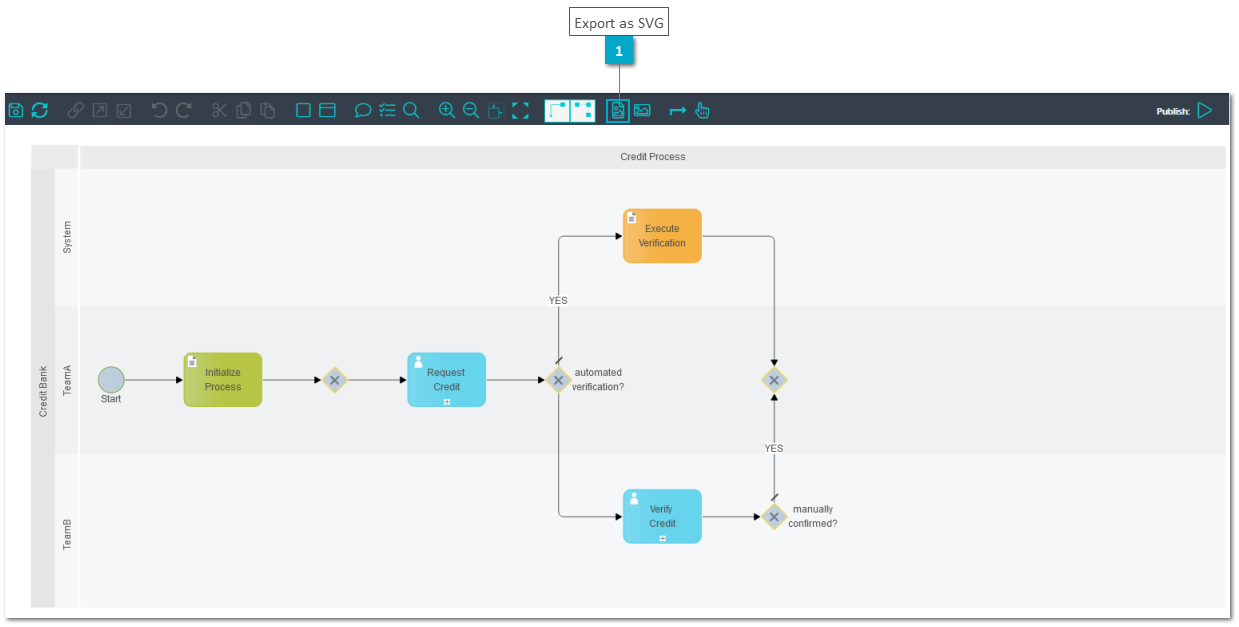
Exercise 1: Export as SVG
 
  • Step 1: Click button "Export as SVG" in the toolbar to open the SVG image in a new TAB of the browser


General Modeling - Graphic Export


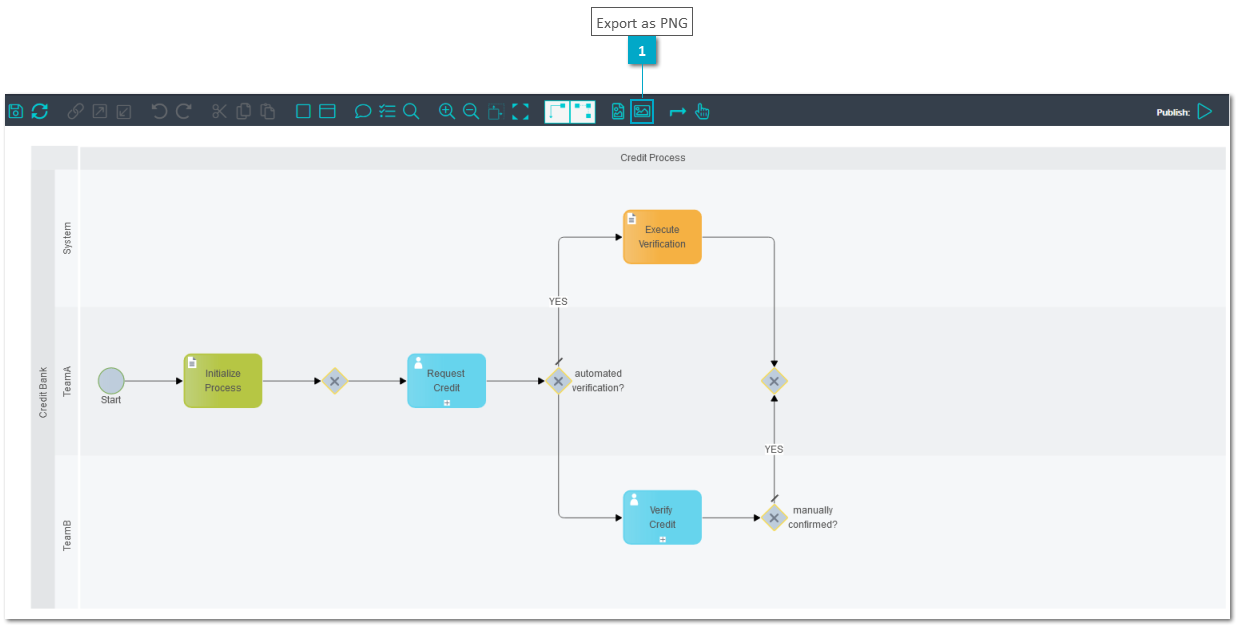
Exercise 2: Export as PNG
 
  • Step 1: Click button "Export as PNG" in the toolbar to open the PNG image in a new TAB of the browser


General Modeling - Graphic Export


1

Export as SVG

1. Export as SVG
Click button "Export as SVG" in the toolbar to open the SVG image in a new TAB of the browser
 
1

Export as PNG

1. Export as PNG
Click button "Export as PNG" in the toolbar to open the PNG image in a new TAB of the browser