User Portal Domain Administration - Ext. System Email
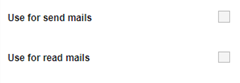
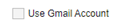
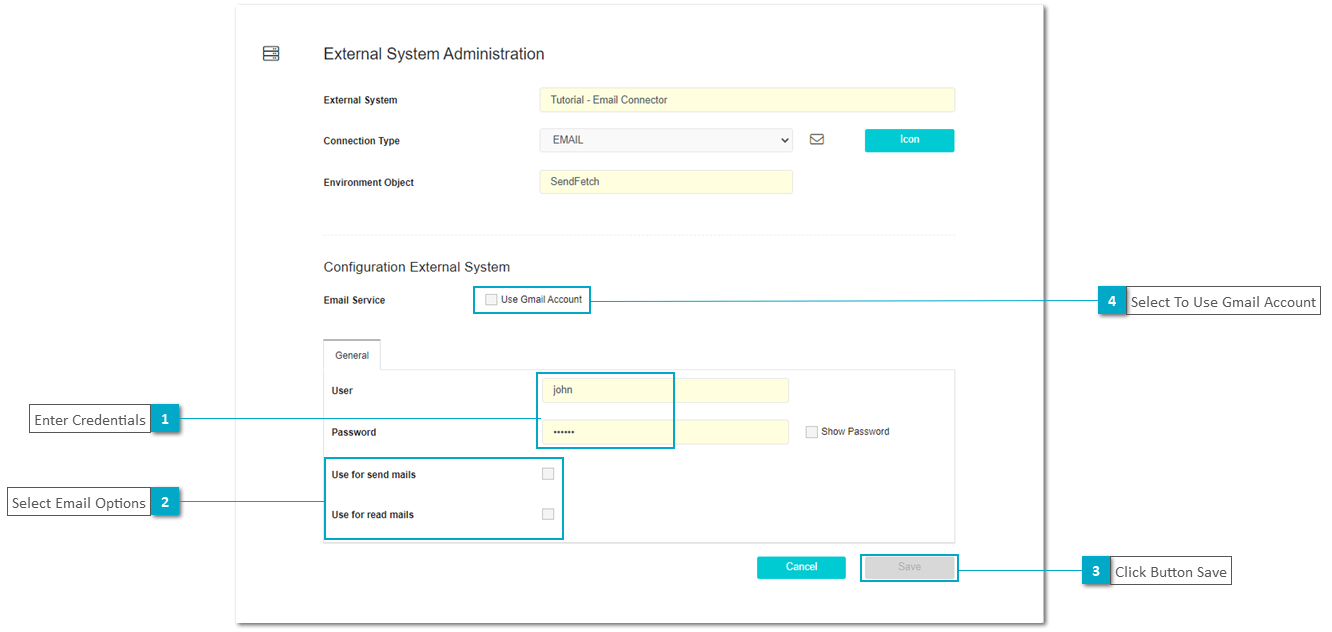
The Email External System Configuration dialog can be used to configure connections to only send emails, or fetch emails and specify if a Gmail account will be the provider as unique configuration to send and fetch emails.
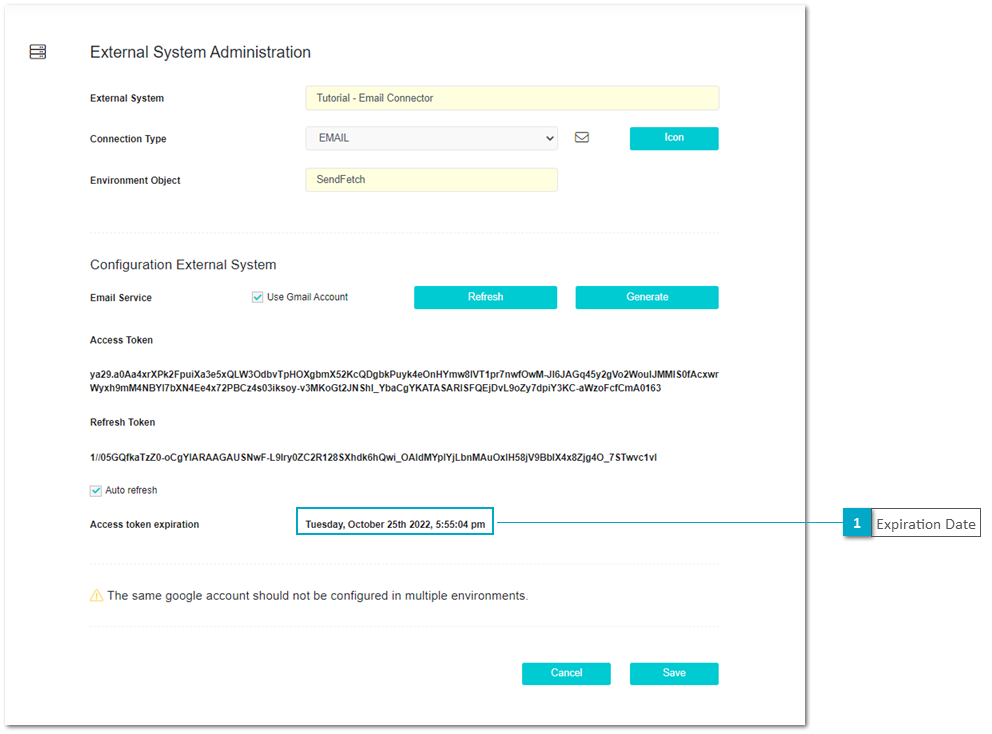
The following image displays the General view where the general configuration options are defined.
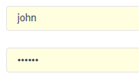
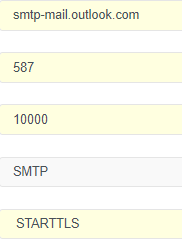
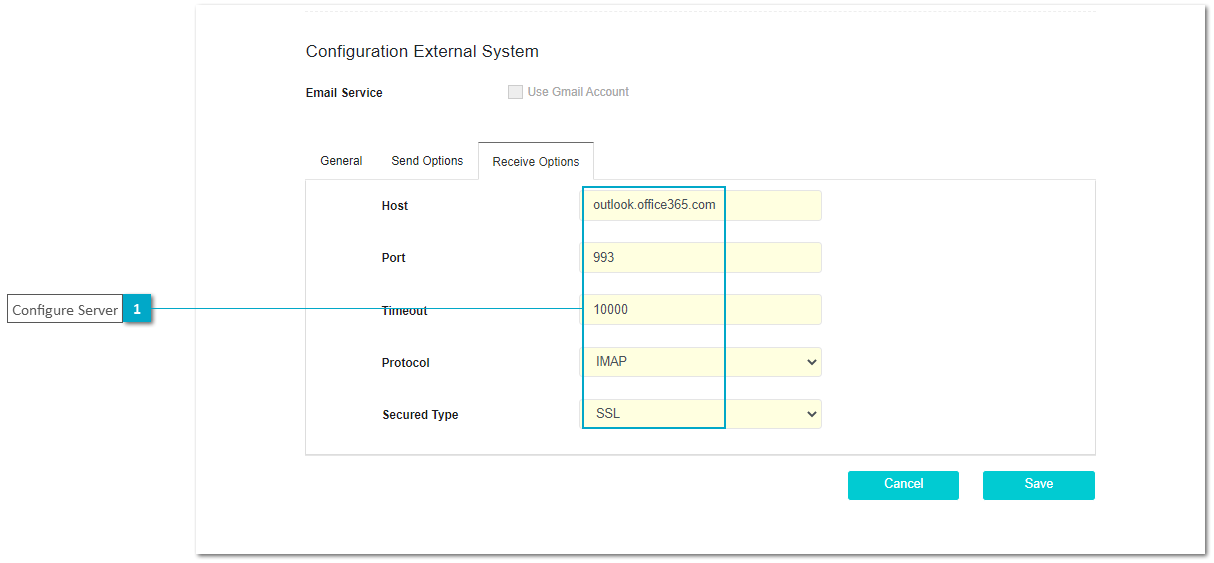
If the external system for send and fetch is different from gmail both configurations for send and fetch must be defined on separate Tabs. On Send options the configuration for "Host", "Port", "Timeout", "Protocol" and "Secured Type" must be defined.

On Read options the configuration for "Host", "Port", "Timeout", "Protocol" and "Secured Type" must be defined.
In case we will use a gmail account then on Gmail configuration we should first click at button Generate and select Auto Refresh to automatically refresh the token.
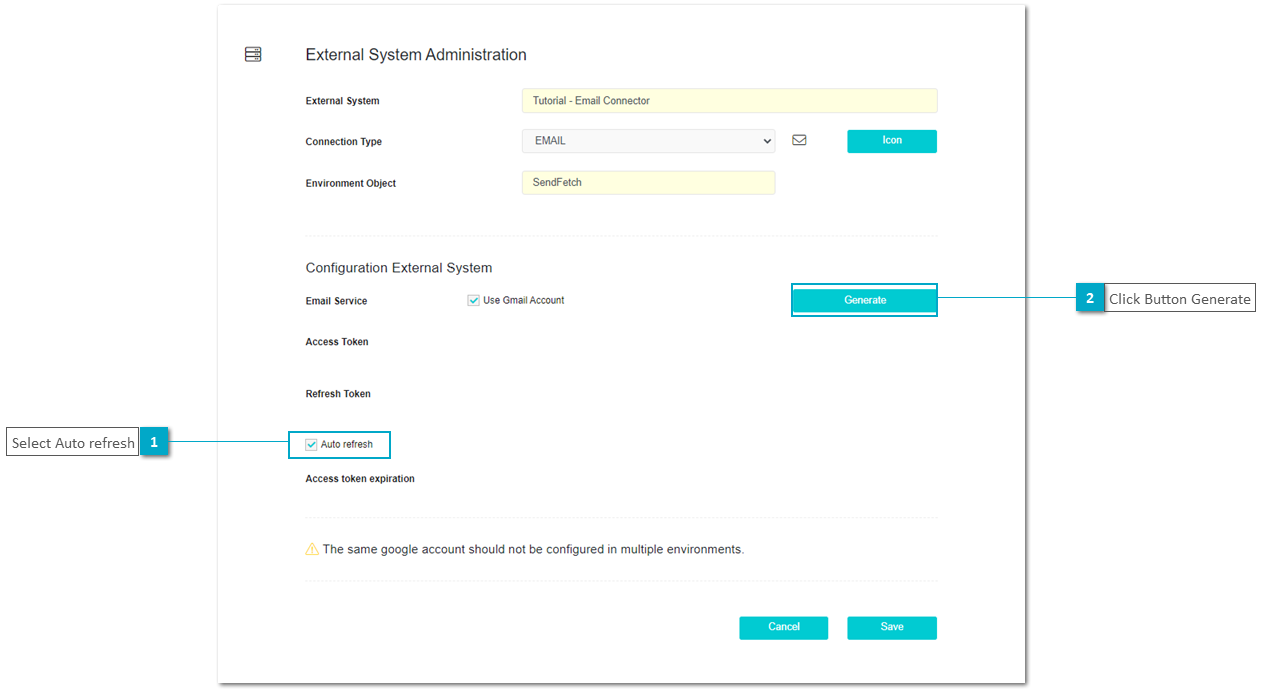
After click at button Generate the process to get an access token will automatically start:
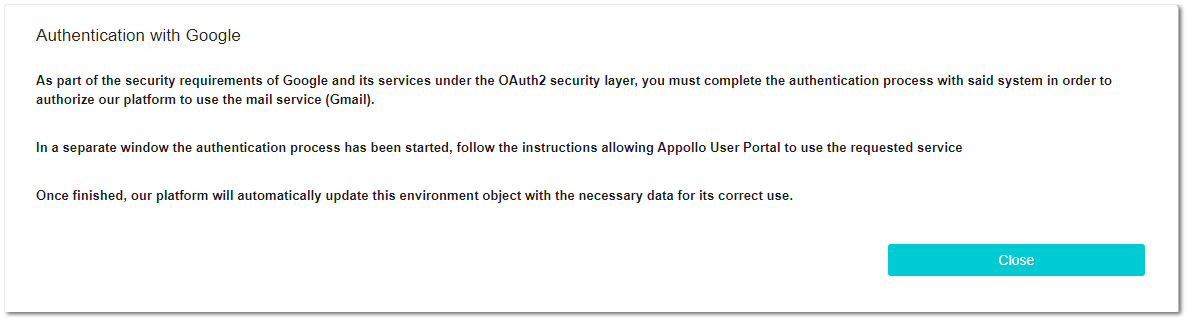
A new browser tab will open to log into the specified gmail account. On the security settings of the gmail account you must grant permission to xAPPnow Systems to access, then an access token will be generated for xAPPnow.

After this, the Gmail tab on the created Email Connection Enviroment will be updated with the information of the token and the expiration date for the token will be displayed.