User Portal Domain Administration - Ext. System DB
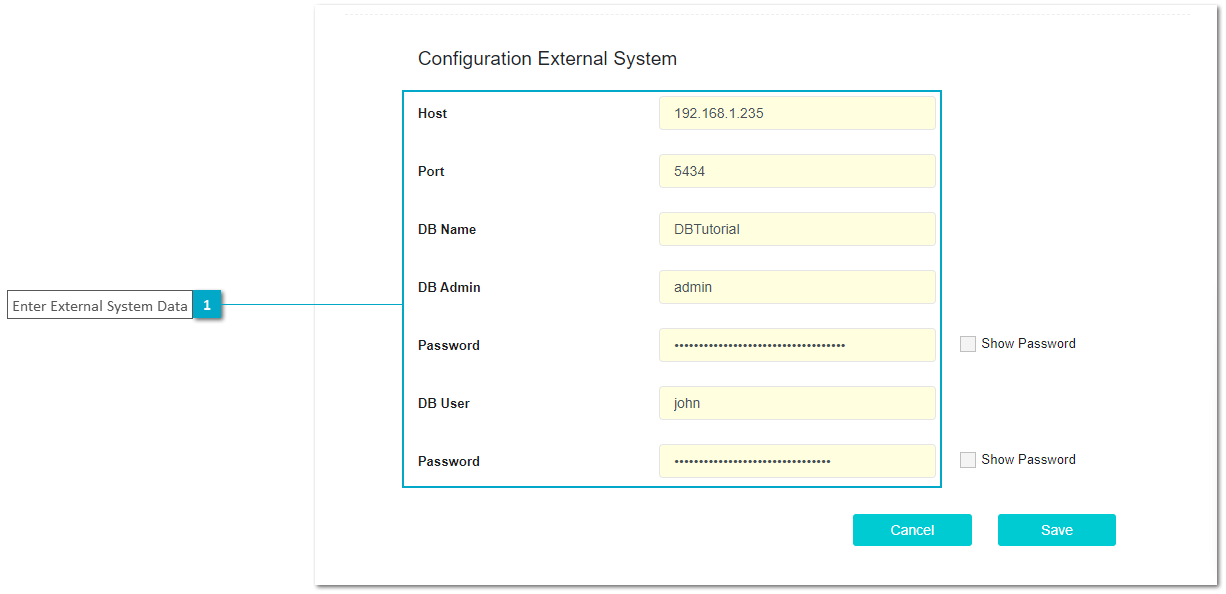
The DB External System Configuration dialog can be used to connect to a database to execute DB Connector functions. Also this configuration is needed to create or update the database structure from the Entity Relationship Model. For more details see Create, Update and Validate Database.
The External System for DB allows to create an internal DB on xAPPnow servers or to create external DB on an external postgres server.
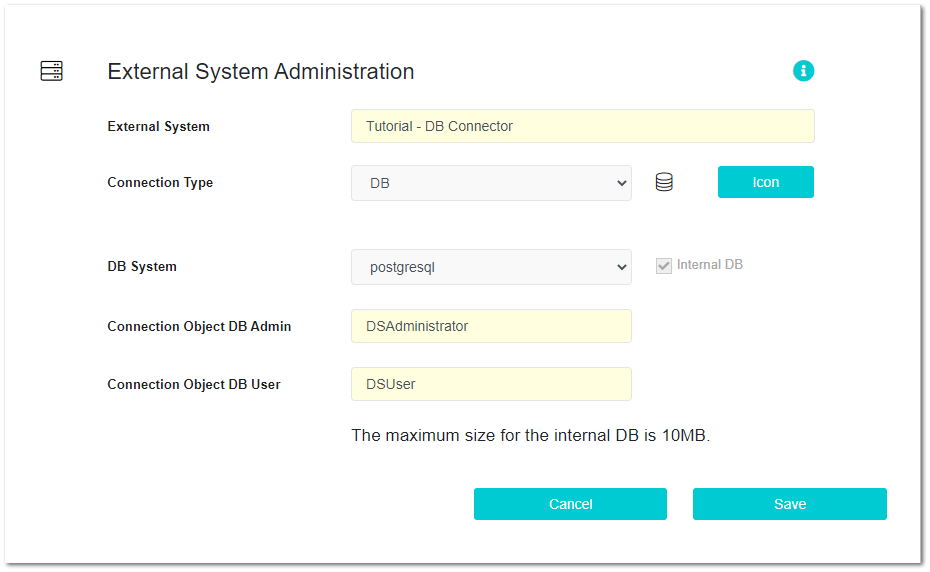
The following image displays the required configuration parameters needed for Internal DB.
Remark: The internal DB size should have a maximum size of 10 MB and only one DB is allowed by domain.
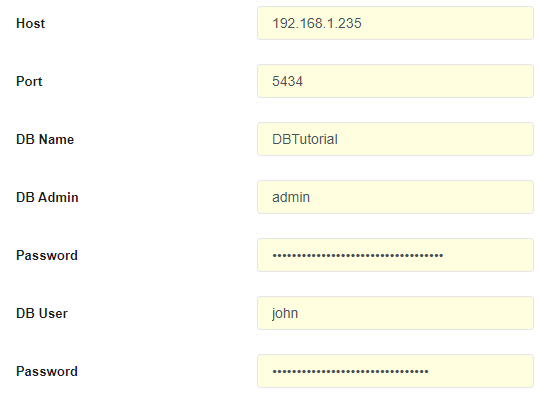
This second image displays the required configuration parameters needed to access an external database.