xAPPnow LOW CODE PLATFORM - User Manual 

Still no account yet?

×

User Portal System Administration - Project Access External User


This configuration provides the possibility to configure specific application functions to be used by external users.
 
Remark: Processes are not supported
 
User Portal System Administration - Project Access External User
1

Create project

1. Create project
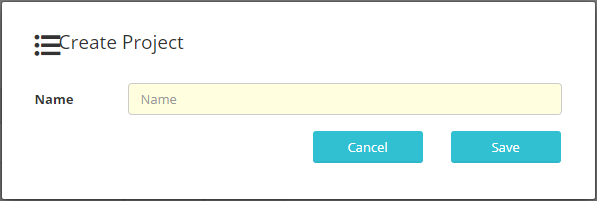
Click to enter project name and add available tenants.
This button opens the dialog to enter project name.
2

Assign tenants

2. Assign tenants
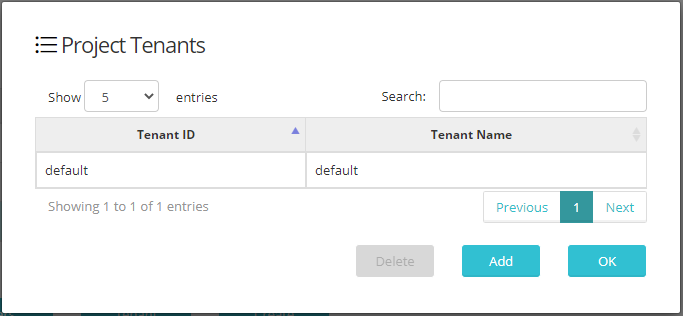
Select more tenants to assign them to a created project.
This button opens a dialog with all available tenants to select the ones that will be assigned to a previously selected project.
3

Assign external users

3. Assign external users
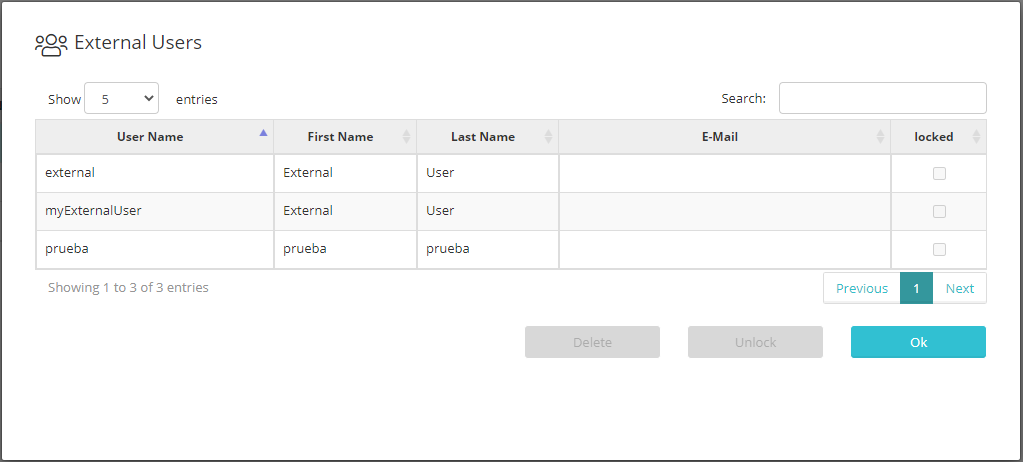
Select the external users that will access a project.
Click to open dialog with available external users and assign them to this project. To create external users see Registration topic.