Case Definition Dialog - xAPPnow User Portal
Case Definition dialog of the
xAPPnow User Portal displays the list of
case plan models deployed from the
xAPPnow Modeling Studio. These case plan can be started and once it is started can be opened.
 OpenClick to open all started instances. A new grid is displayed with the ID of Active Cases. In the second image this dialog is described on detail.
|
|
 StartClick this button to start a new instance of the case plan definition. A green message is displayed on the right corner of the application to inform the instance was correctly started.
|
|
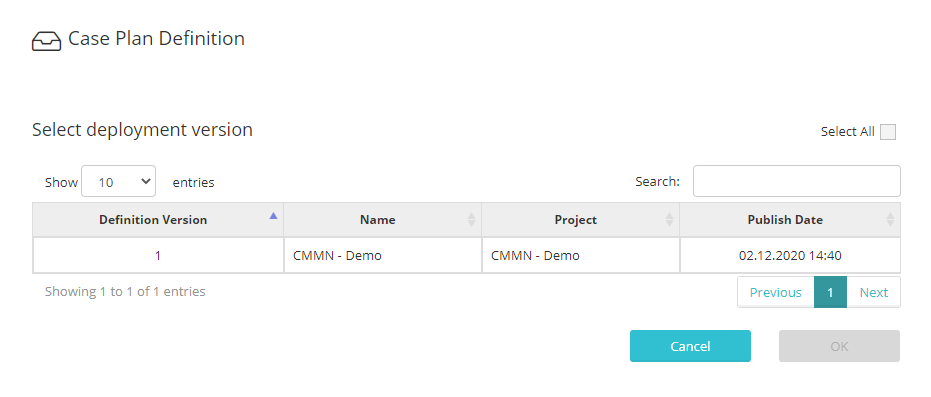
 DeleteWhen select a case definition a dialog is displayed to select the deployment version the user wants to delete.
|
|
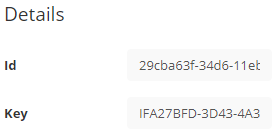
 Details panelDisplays Id and Key values of the selected case definition
|
|
When click on Open button a new grid is displayed for all case instances already started of previous selected case definition model.
CompleteClick to complete the case instance.
|
|
CloseOnce a case instance is on state Terminated it can be closed.
|
|
TerminateClick to terminate the case instance.
|
|
Details panelDisplays all specific data for each case instance.
|
|
 BackClick to display again the case definitions grid.
|
|