General Modeling - Elements and Labels
In this chapter you will learn how to work with elements and labels.
Exercise 1: Drag&Drop, move and delete Elements
-
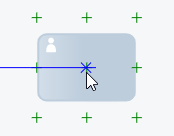
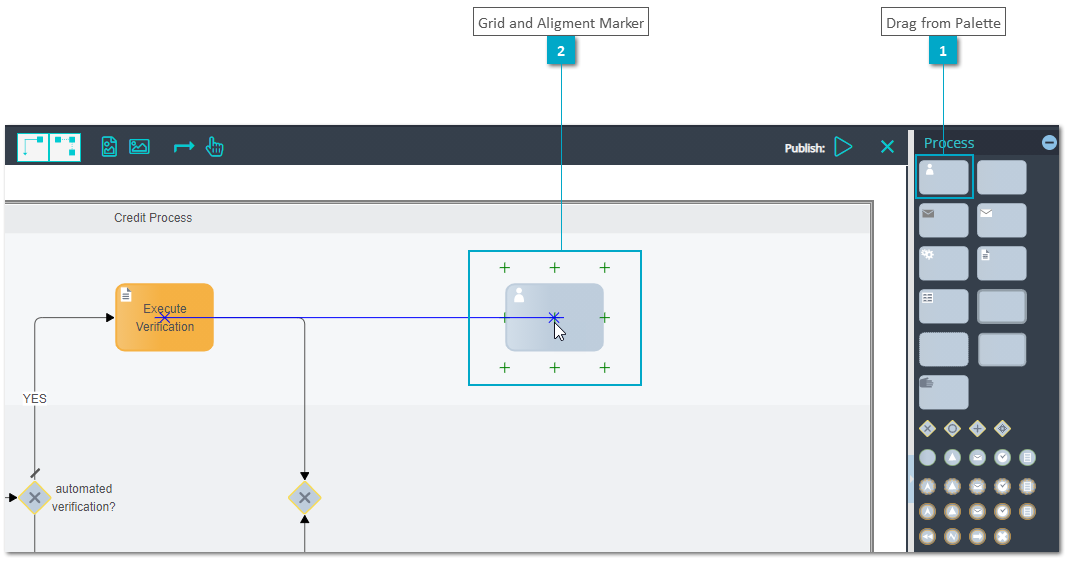
Step 1: Drag&Drop elements from the palette to position the element using grid and alignment marker and directly enter a label
-
Step 2: Select elements and move elements
-
Step 3: Select elements and delete elements using keyboard DEL
Exercise 2: Copy/Paste Elements
-
Step 1: Select an element and copy using CTRL+C
-
Step 2: Move the mouse position, click and paste using CTRL+V
-
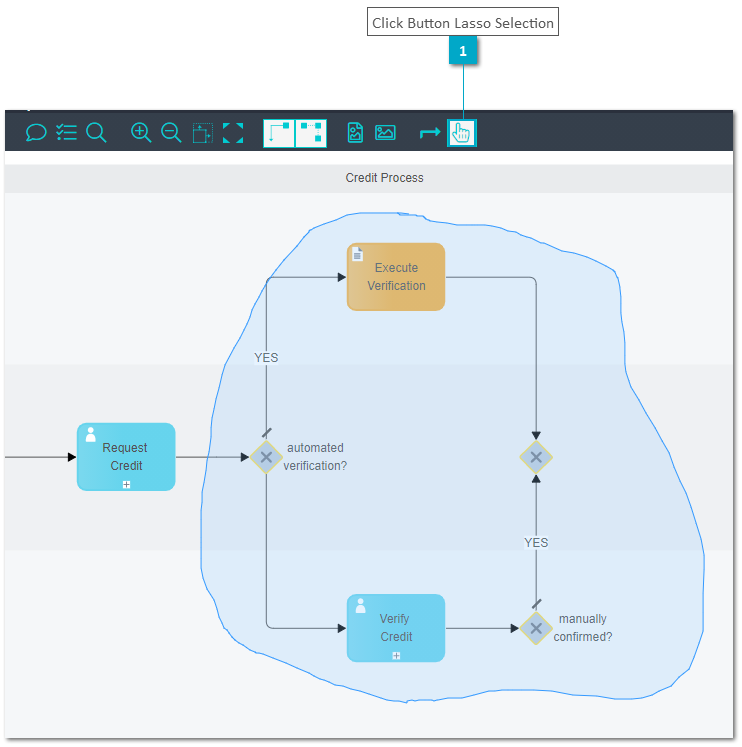
Step 3: Click button Lasso Selection on the Toolbar to select a group of elements by drawing a flexible area over elements
-
Step 4: Verify all elements inside lasso selection are marked as selected

Exercise 3: Edit Label Variants
-
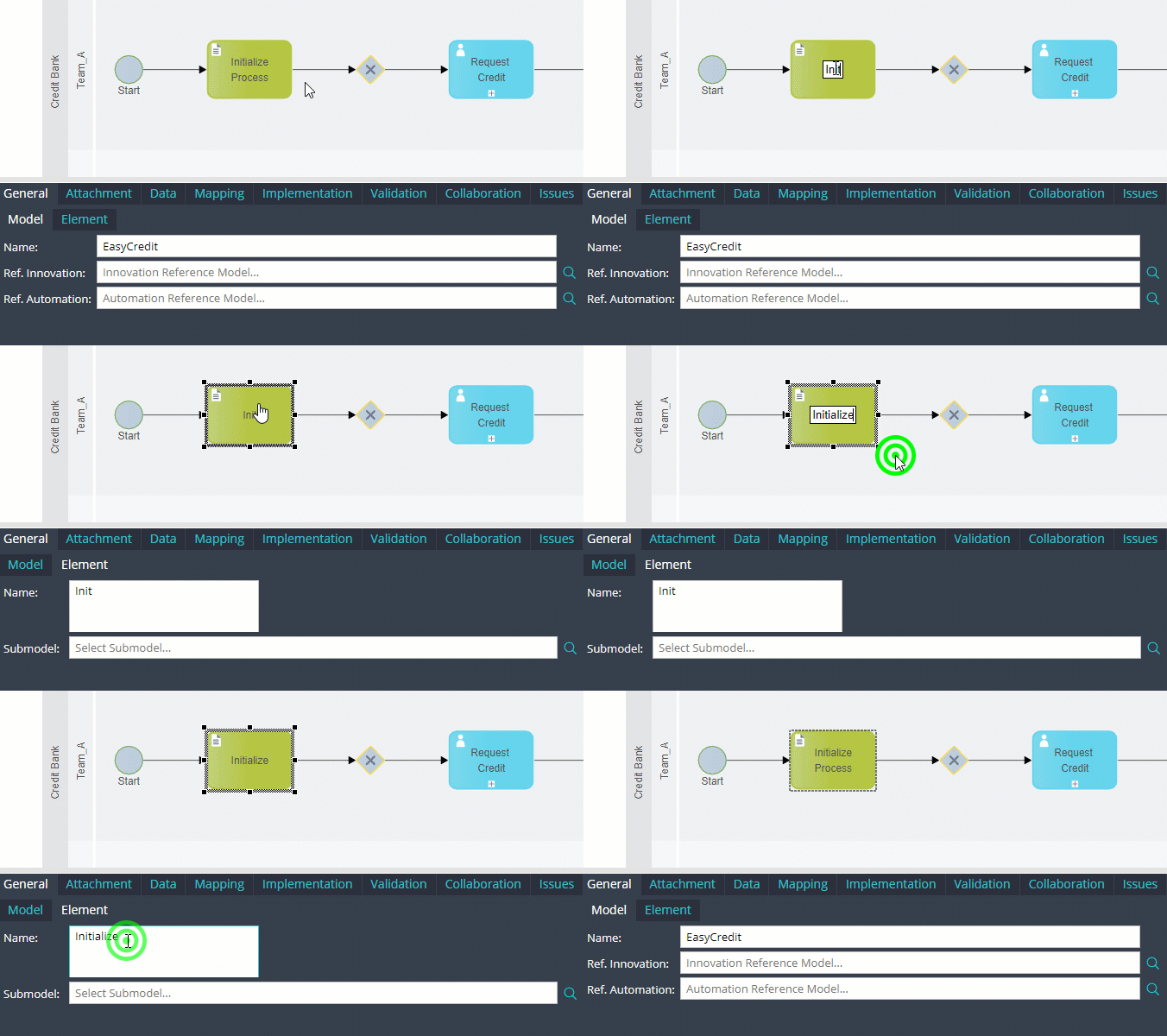
Variant 1: Double click at a label
-
Variant 2: Select element and use F2
-
Variant 3: Open TAB "General" SubTAB "Element" to edit "Name"