TAB General/SubTAB Element - General Element Properties
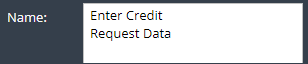
The Element SubTAB of the General TAB is used to specify the name. Additionaly the specification of a submodel has to be configured for specific elements in this sub tab.
 xAPPnow LOW CODE PLATFORM - User Manual xAPPnow LOW CODE PLATFORM - User Manual Still no account yet? |
|||||
|
|||||