User Portal Domain Administration - Ext. System REST Advanced
The REST - Advanced External System Configuration dialog can be used by Rest Connector. It doesn't have a defined structure. So the user can define their own attributes according to the external system.
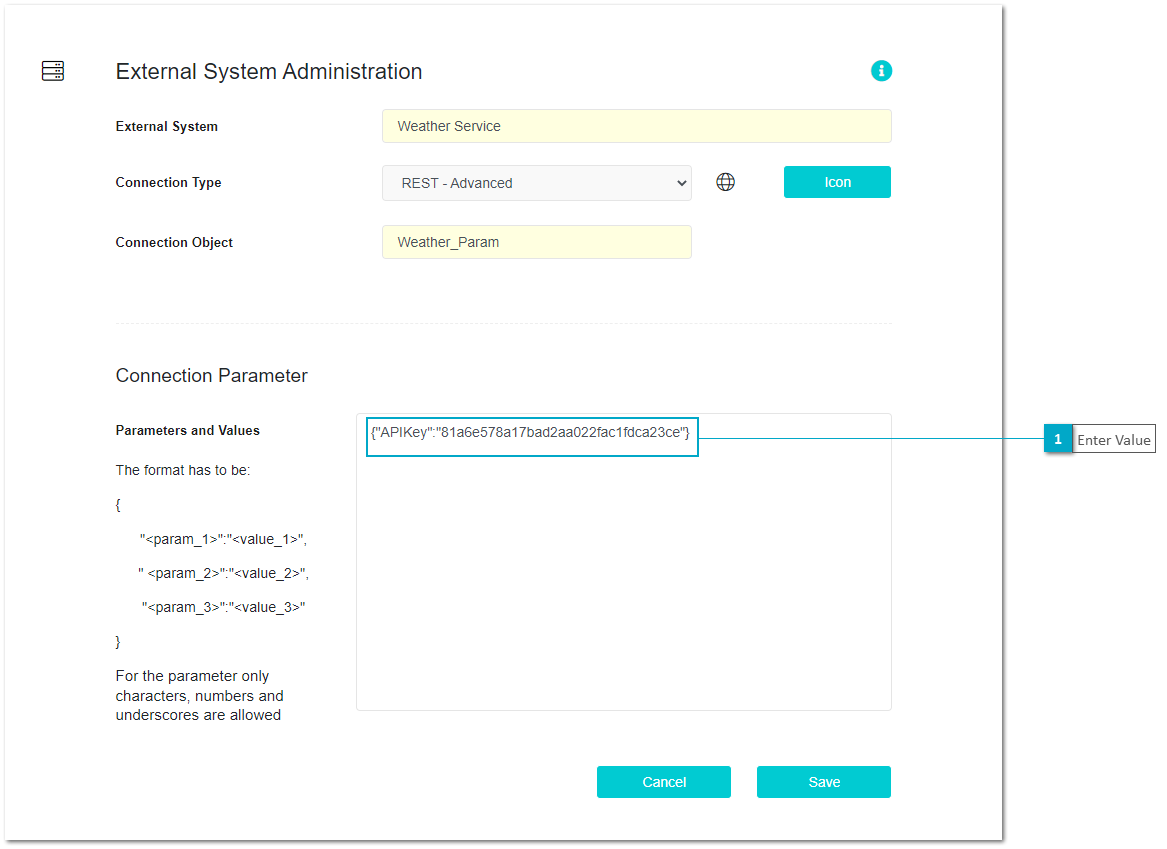
The following image displays the External System Configuration of the Weather Rest API service. In this case to access the Weather an APIKey is needed.
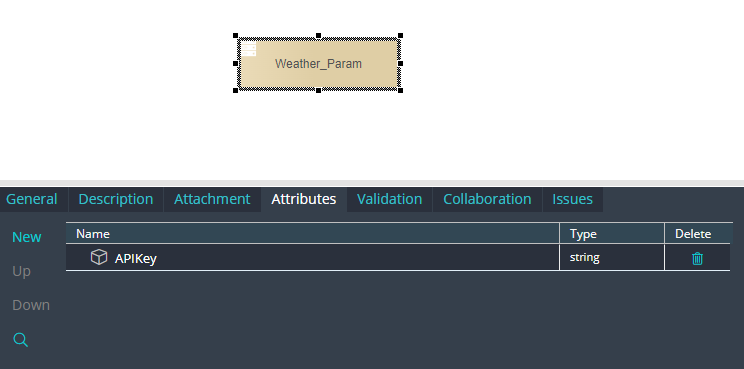
In this sample we have a Connection Definition Object with an attribute created by the user named "APIKey"
On User Portal we should enter the string value for the "APIKey"