
Working with Models - Create, rename, delete Model and Folder
The model tree provides a context menu to create, rename or delete
-
models and
-
folders of a model type specific folder
The model type specific folders Data Object, Business Process, Service and User Interface contain more than one model type, which can be selected in the entire model creation dialog.
Create Model
The steps below are for graphical model types (see also Create User Interface Model Type)
1. Right click at a model type specific folder or a subfolder to open the context menu and click Create Model.

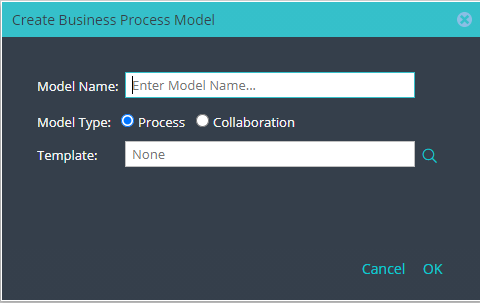
2. In the model creation dialog enter the Model Name, select the Model Type and click OK.
Create Subprocess Model for a parent Process or Collaboration Model
1. Right click at a Process Model or Collaboration Model to open the context menu and click Create Subprocess.

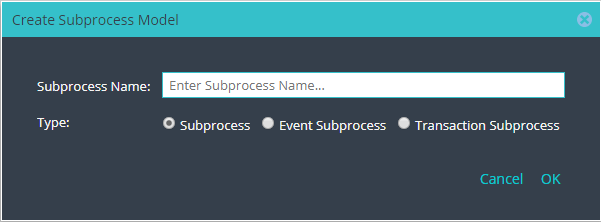
2. In the subprocess model creation dialog enter the Subprocess Name, select the Subprocess Type and click OK.
3. In the model tree a subprocess contains the name of the parent model as prefix and a ".$." delimiter.

Rename Model
1. Right click at a model to open the context menu and click Rename.

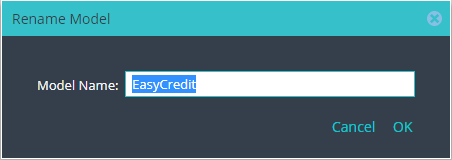
2. Enter the new name of a model and click OK.
Delete Model
1. Right click at a model to open the context menu and click Delete.
Remark: Elements on model tree also can be deleted using DEL key.

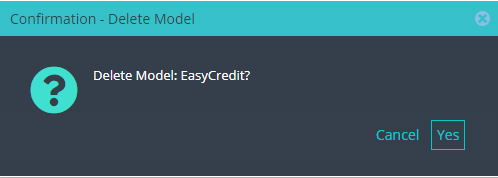
2. In the confirmation dialog click Yes or Cancel.
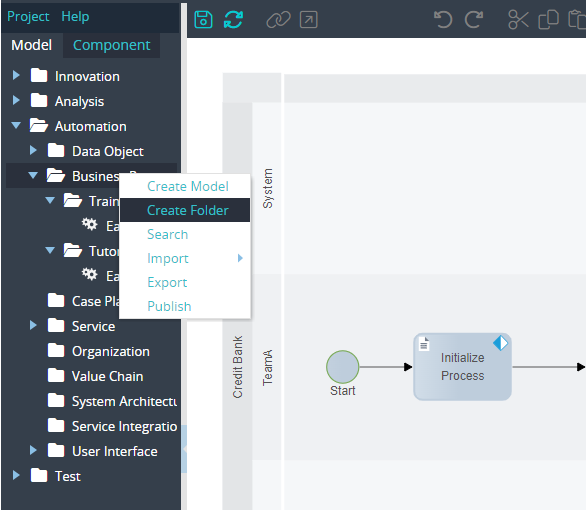
Create Folder
-
Right click at a model type specific folder or a subfolder to open the context menu and click Create Folder.
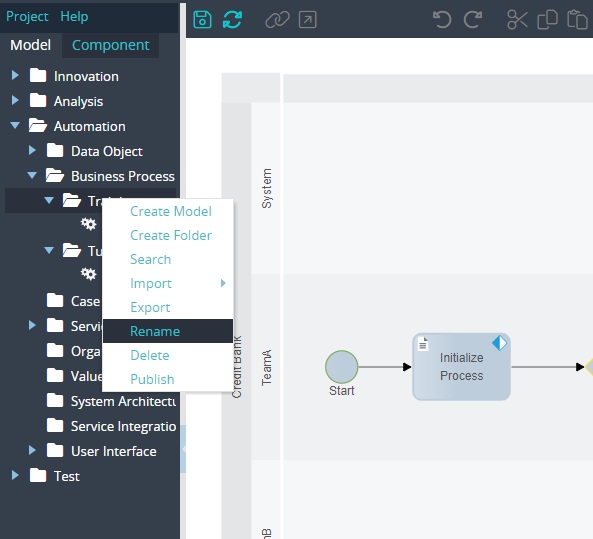
Rename Folder
-
Right click at a folder to open the context menu and click Rename.
2. Enter the new name of the folder in the rename dialog and click OK.
Delete Folder
-
Right click at a folder to open the context menu and click Delete.
2. In the confirmation dialog click Yes or Cancel.
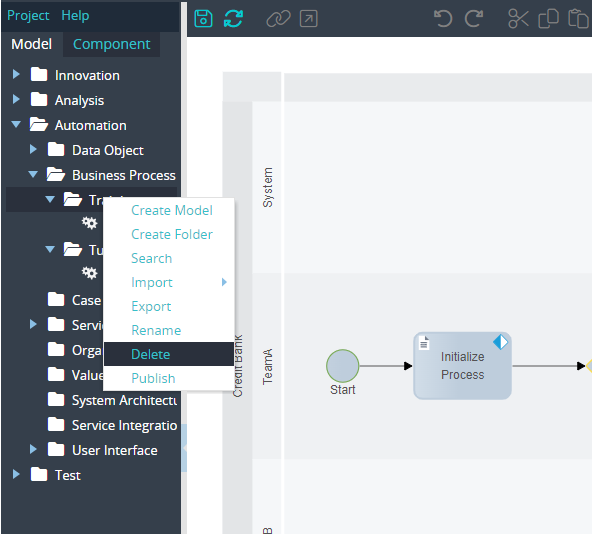
Remark: A folder can be deleted, if a folder does not contain any model.