Basic Training - Attachments
Chapter Overview
In this training chapter you will get familiar with the attachment feature of the xAPPnow Modeling Studio. Attachments can be added to a model and any element besides a comment or hyperlink element.
Exercise
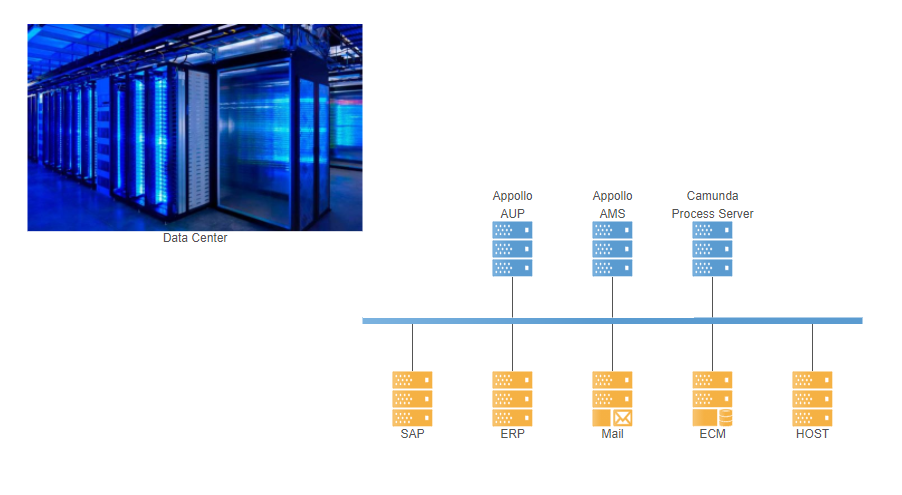
For the exercise you will use an existing system architecture model to familiarize the attachment possibilities of an image element.
Exercise 1: Add an Attachment to an Element
-
Step 1: Double click at system architecture model "Automation/System Architecture/DataCenter“ in the model tree to open the model
-
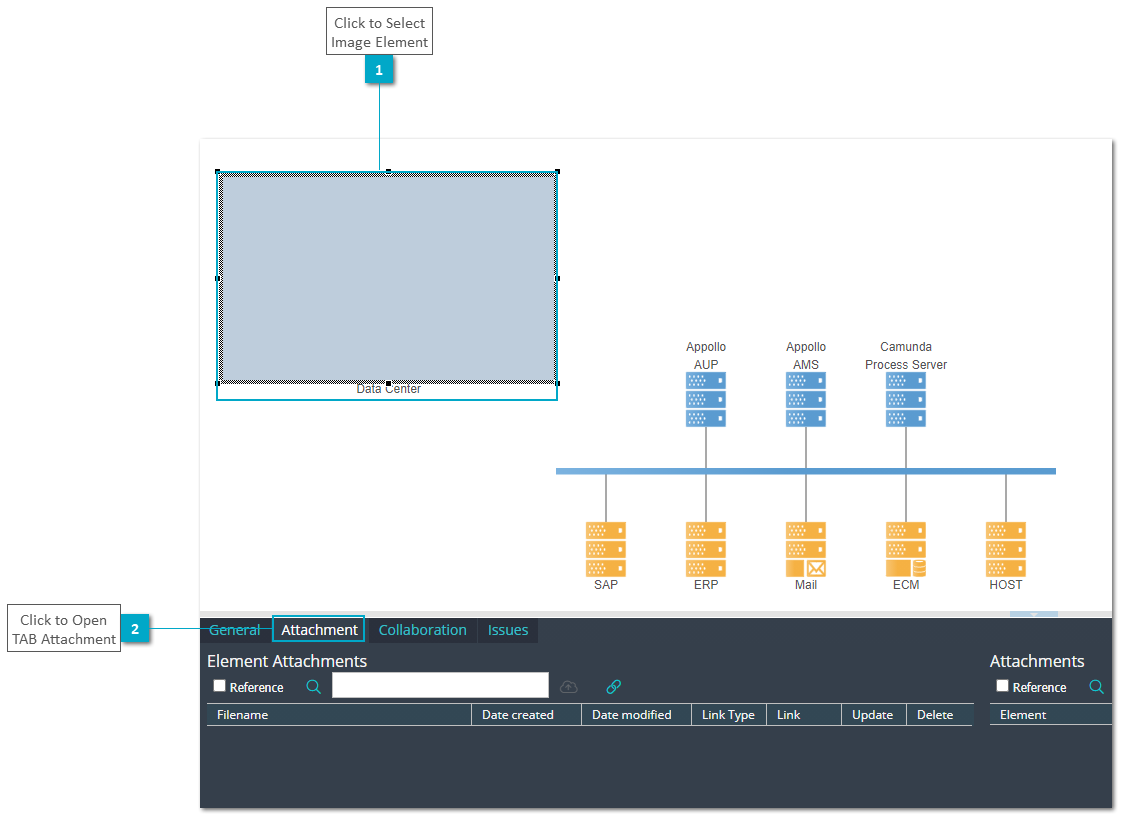
Step 2: Select the grey colored image element and open TAB "Attachment"
-
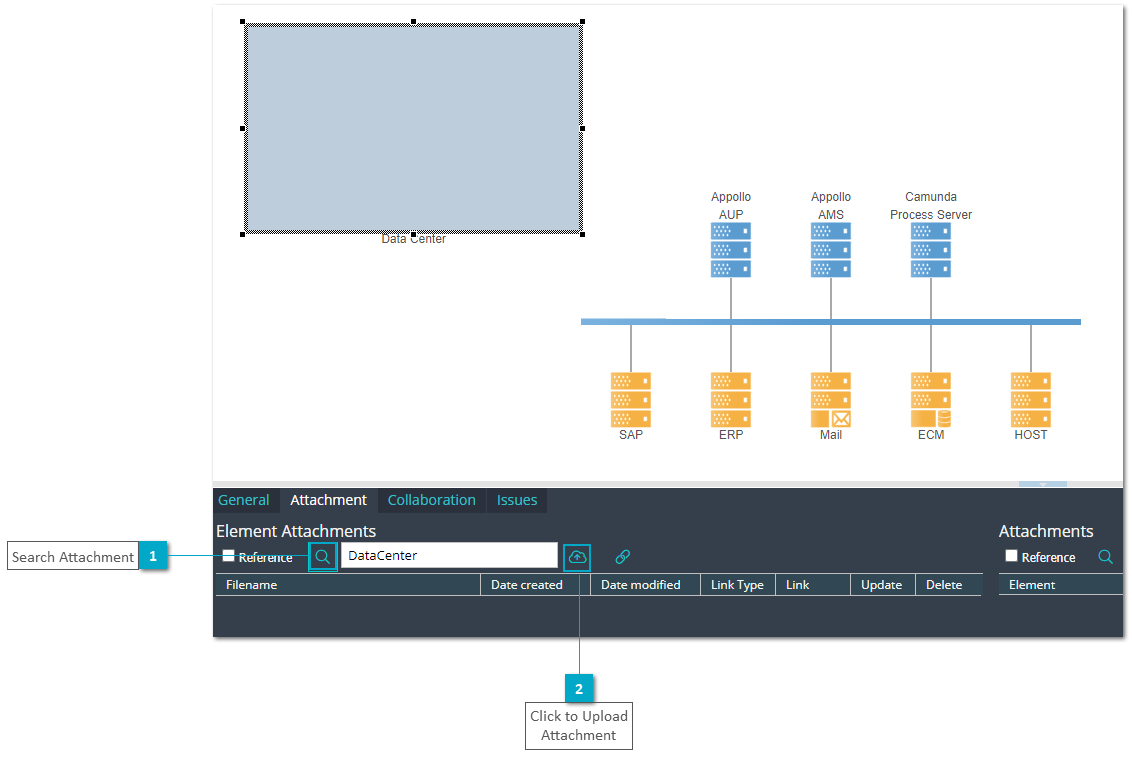
Step 3: Click button "Search" and select an image attachment
-
Step 4: Click button "Upload" and upload an image file
Exercise 2: Visualize the Image in the Model
-
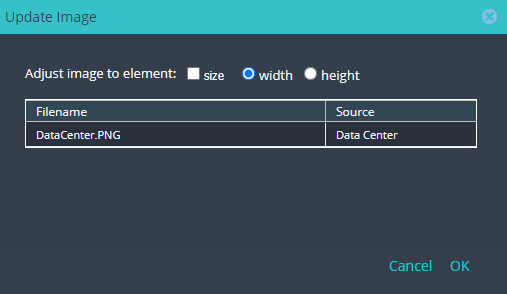
Step 1: Open context menu of image element and select function "Update Image" to open dialog "Update Image"
-
Step 2: Uncheck "size" and keep option "width", then select image file with double click or click button "OK"
Step 3: Verify the updated image element