User Portal Domain Administration - Internal User
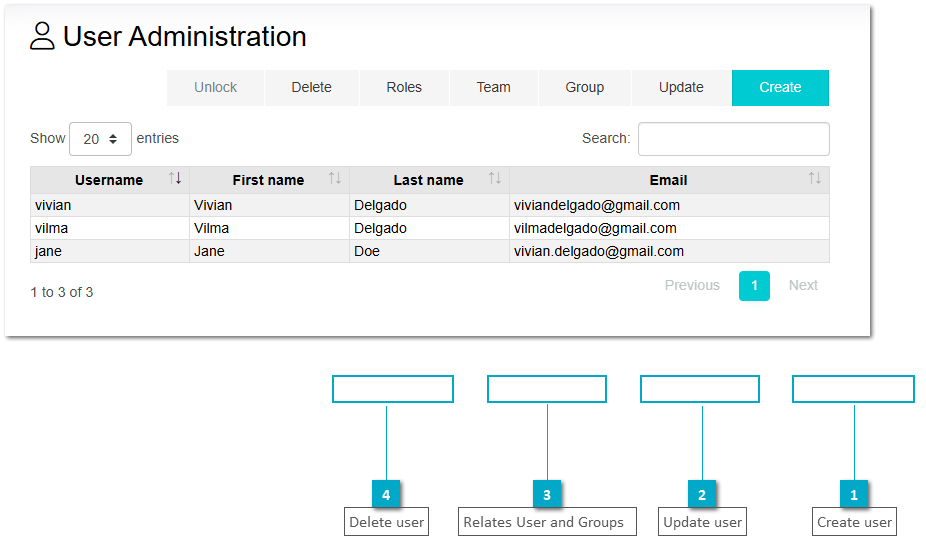
This menu option allows to create internal users for the specific domain of the logged administrator. Besides the management of users it also allows to assign them to created groups.
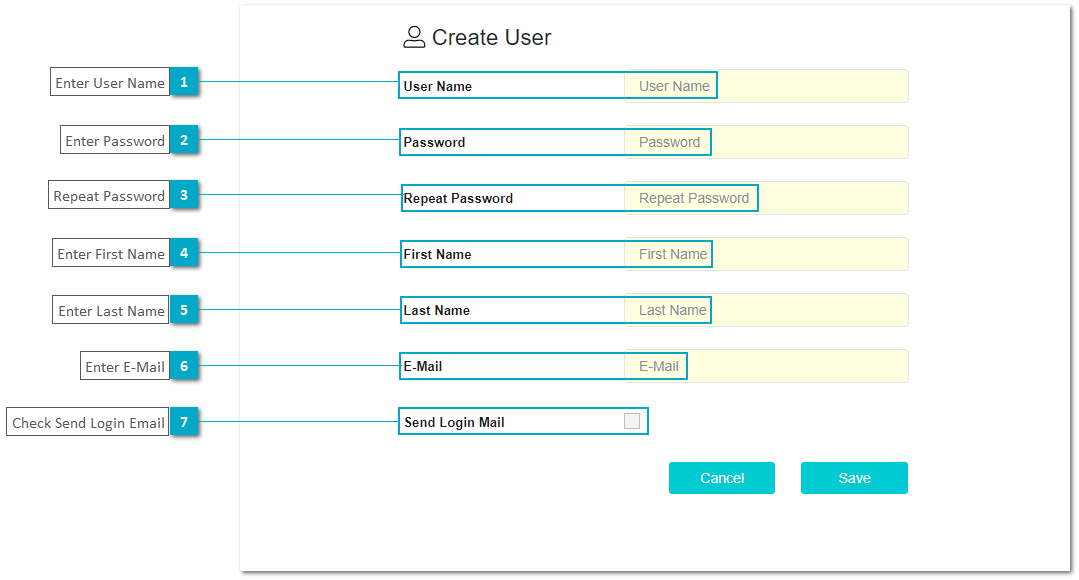
The following image displays the dialog to Create a new user.
 Enter User NameThis must be a unique username
|
|
 Enter Password
|
|
 Repeat Password
|
|
 Enter First Name
|
|
 Enter Last Name
|
|
 Enter E-Mail
|
|
 Check Send Login EmailThis is an optional field in case the administrator wants to send an e-mail fro the user to define a password himself
|
|
Create userClick to open the dialog and enter user data.
|
|
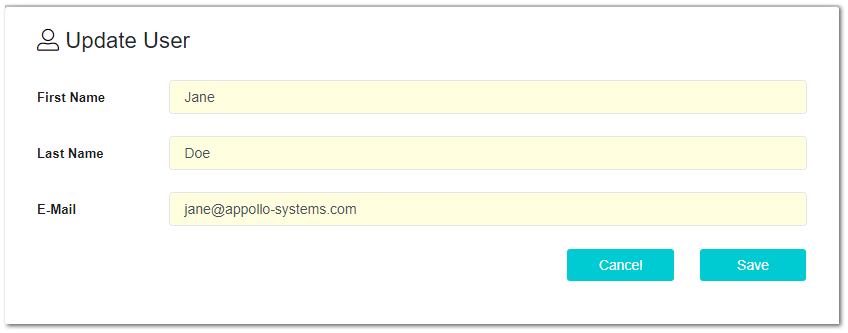
Update userClick to open dialog and change user data.
|
|
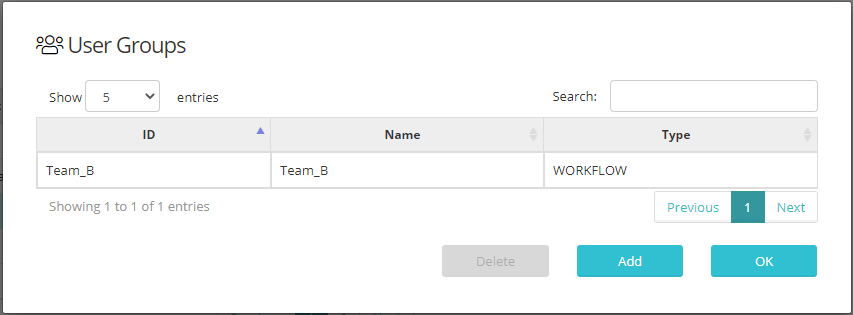
Relates User and Groups Open dialog to add from the available groups to assign selected user to these groups.
|
|
Delete userClick to remove user from the engine.
|
|