Create Issue Dialog - xAPPnow User Portal
The Create Issues feature of the xAPPnow User Portal allows you to report any issue found during the execution of an application.
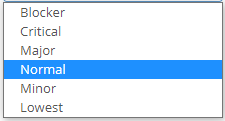
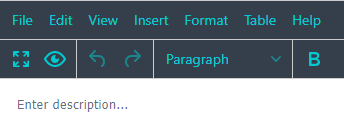
The new issue will be created in the project on Modeling Studio located on the environment specified on the environment configuration menu. To create an issue click on menu option and it opens the following dialog.
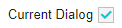
If the "Current Dialog" at the top right of the "Create Issue" dialog is marked then the issue is directly created at the corresponing model element in the xAPPnow Modeling Studio.

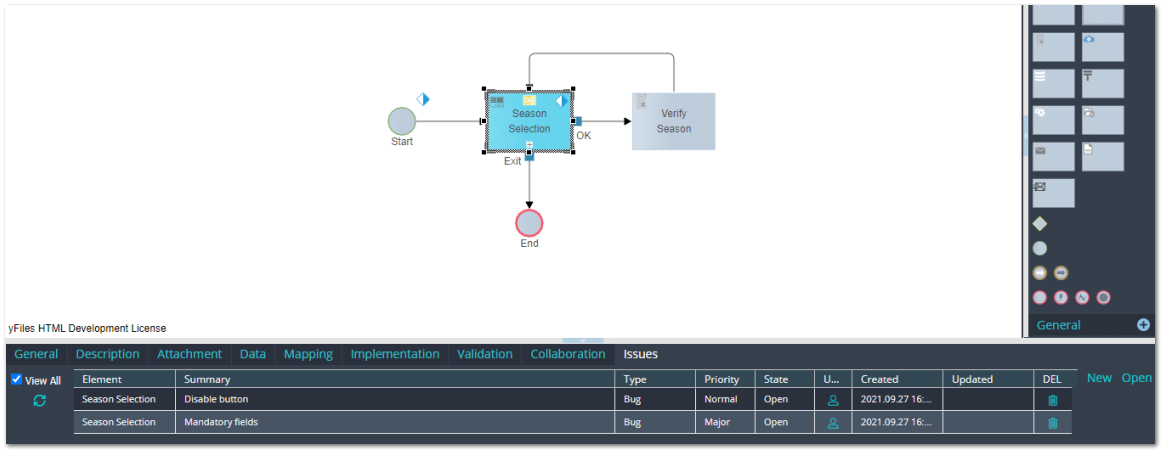
The issue created will be listed on the Issues Overview in User Portal and also will be created on the Modeling Studio project to be solved by the developers