Start reading Models - xAPPnow Modeling Studio
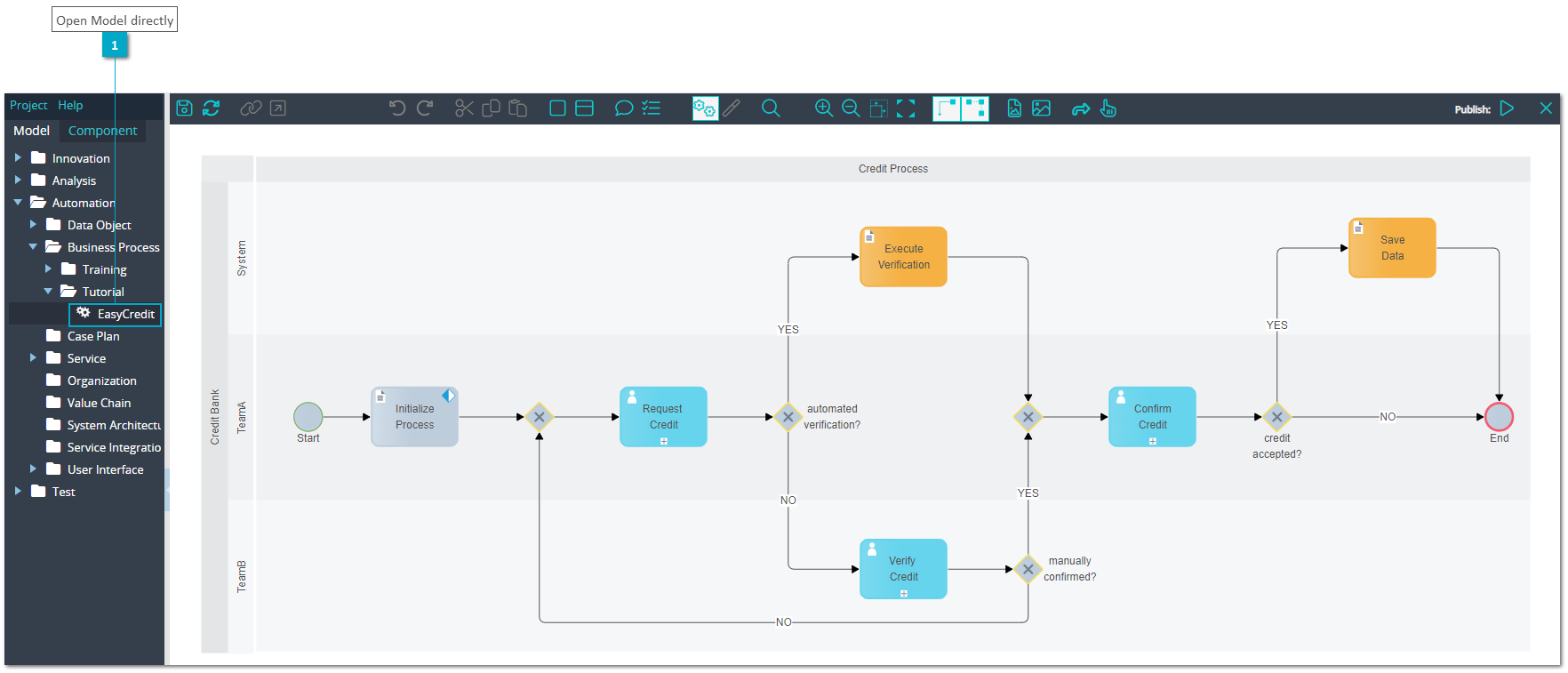
After login to the xAPPnow Modeling Studio and selection of a project, the model tree is displayed at the left side of the welcome screen.
From the model tree it is possible to open a folder that contains models (indicated by a blue triangle)
-
double click at the folder name or
-
click at the a blue triangle of the folder
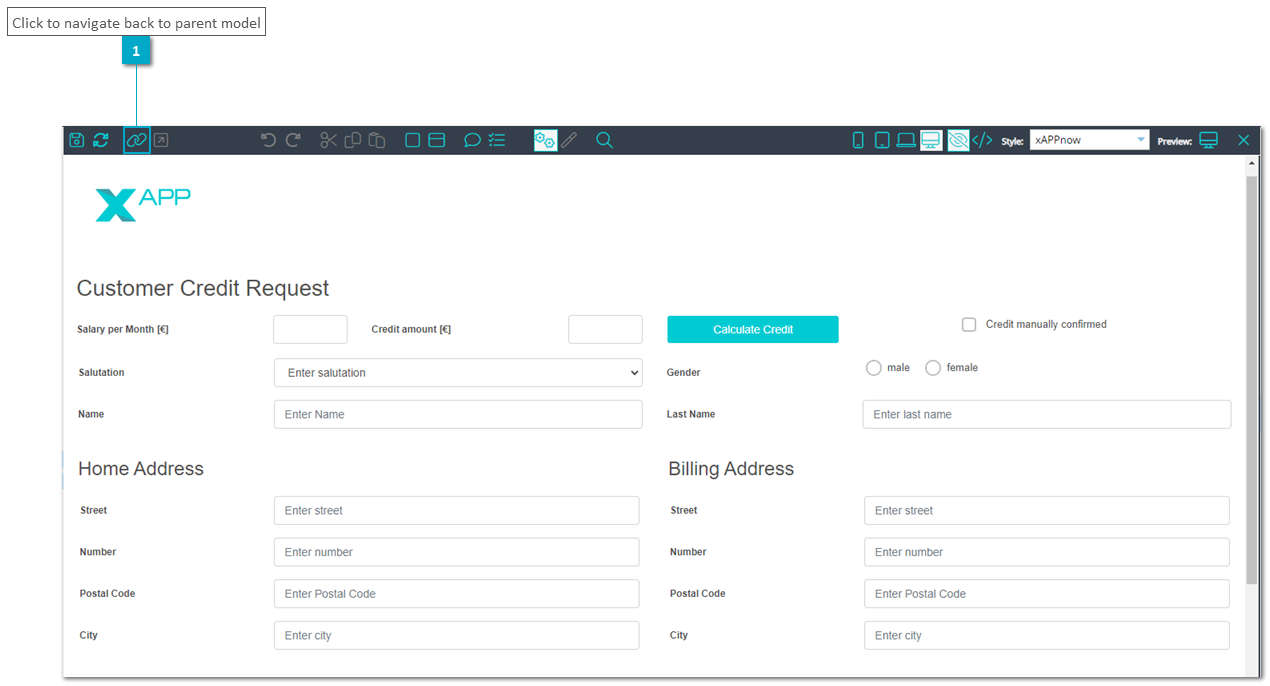
After opening a model you can navigate to other models directly from elements, which have a submodel assigned (indicated by a "plus" sign at the bottom of the element)
-
double click over an element with a "plus" sign

Steps for reading models